The minimum requirements for wirelessly connecting a laptop to the screen are:
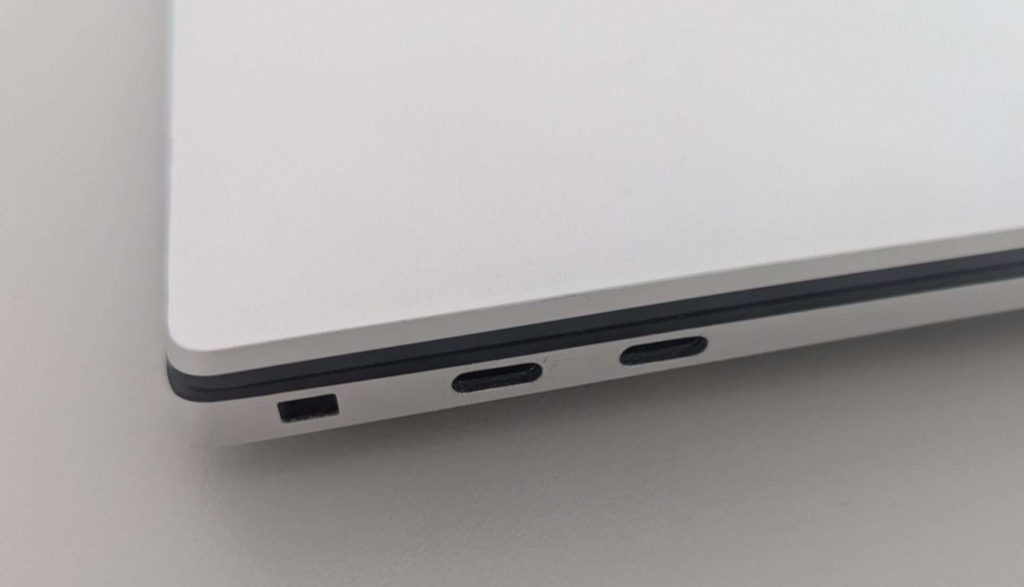
A USB C port
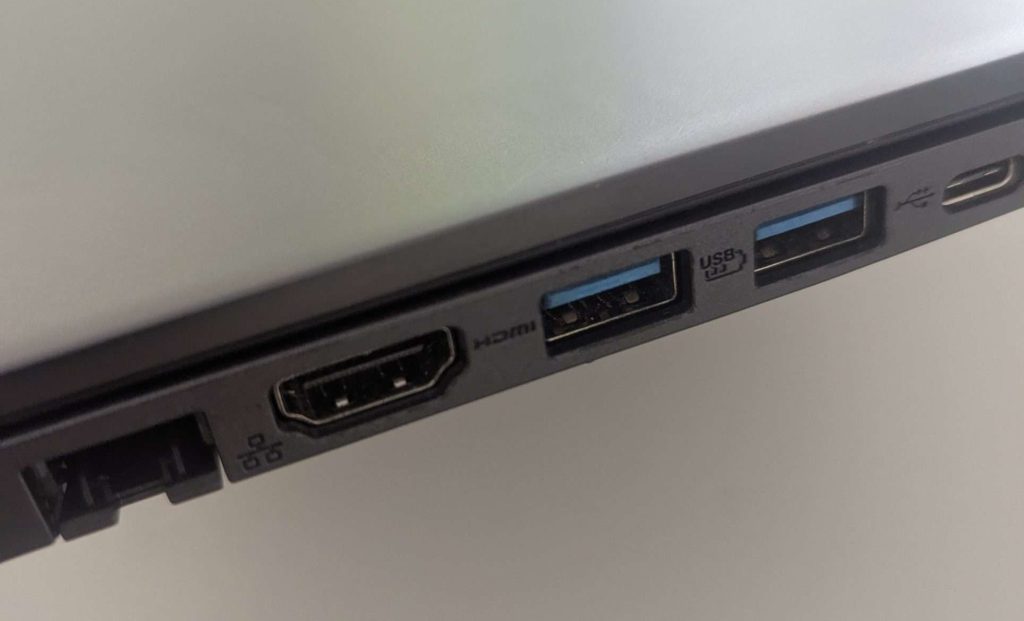
Or a HDMI and a USB Type A port
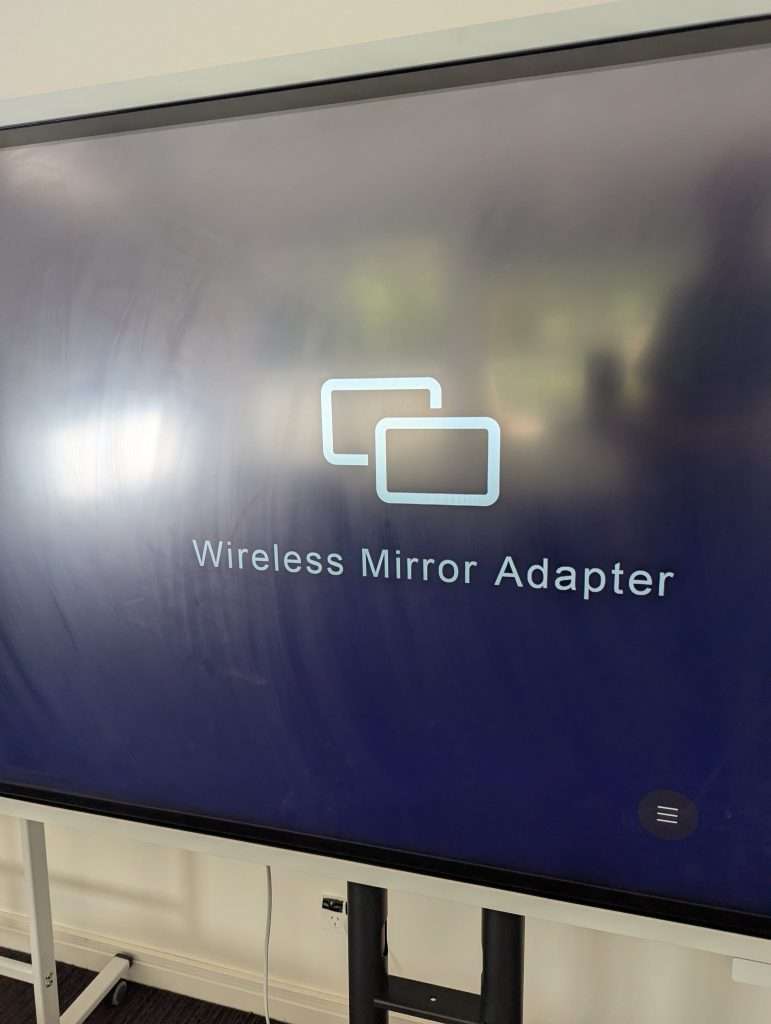
Turn the screen on and ensure the Wireless Mirror Adapter is showing. If you are unsure how to do this go here
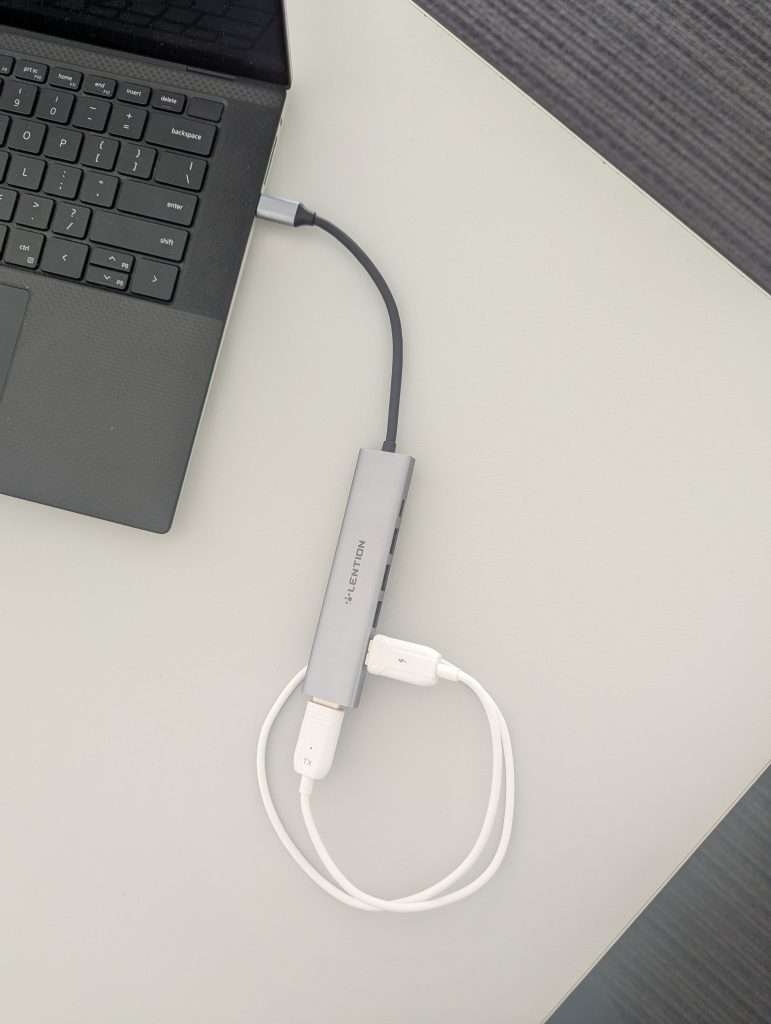
Connect the adapter found in the clear box to your laptop
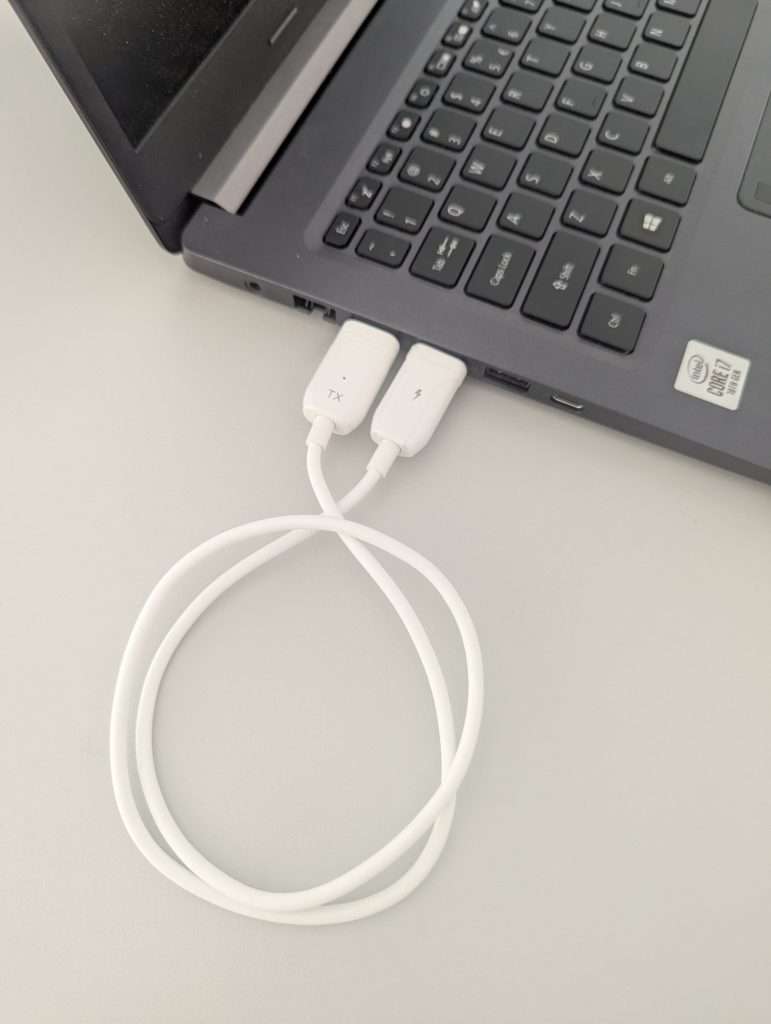
If you don’t have a USB C port. Unplug the white HDMI and USB cable from the apapter and plug it into a HDMI and USB A port on your laptop.
Turn your laptop on and make sure the screen is active and not sleeping. Wait at least 15 seconds. Sometimes it take a little while for it to connect so be patient. The screen may flicker a few times and then it will connect.