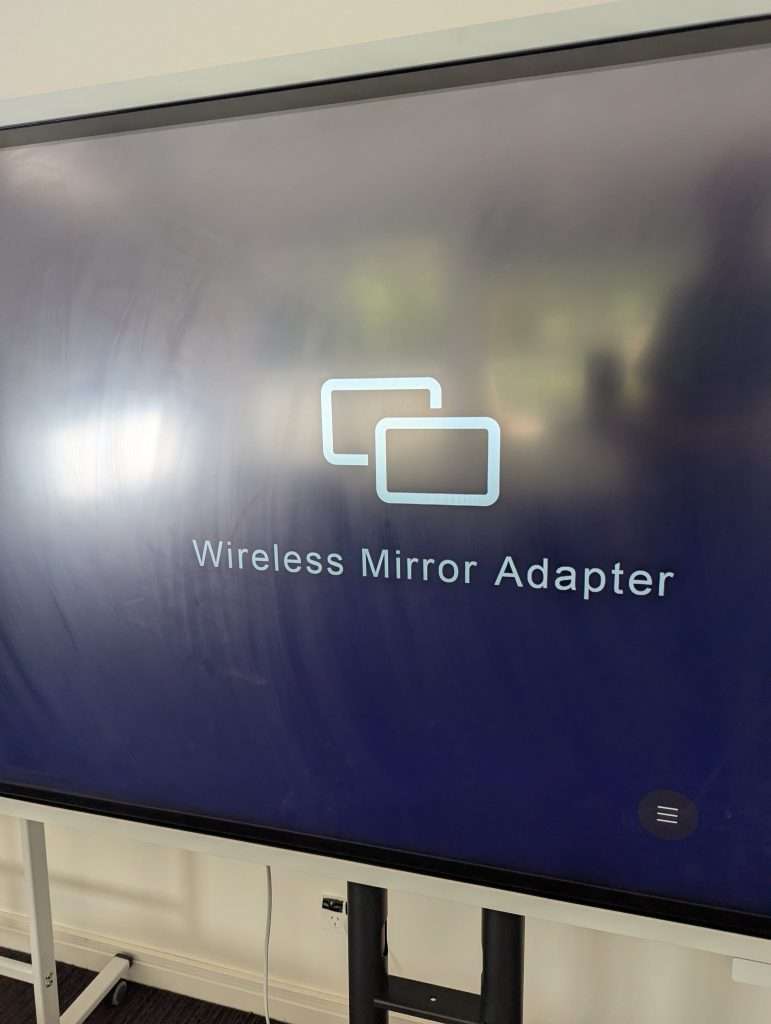
Turn on the screen and make sure the wireless mirror adapter is showing on the screen. If you are unsure how to do this instructions can be found here
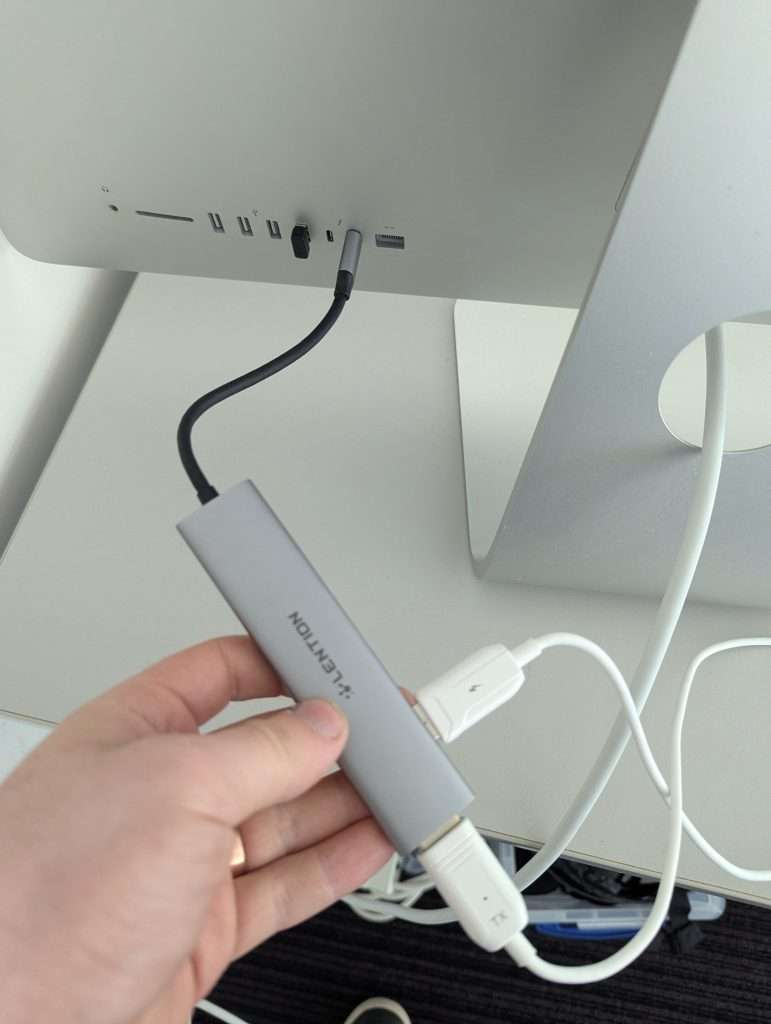
Connect the adapter with the white cables to the back of the computer.
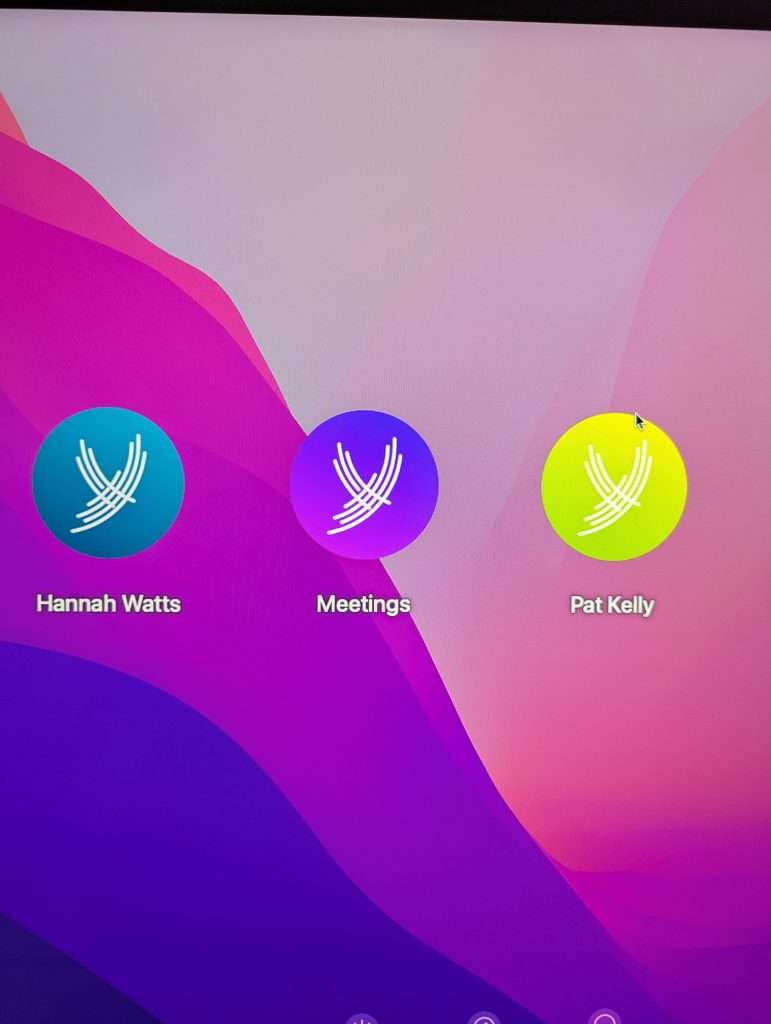
Turn the computer on. The button is on the back left side of it. Select “meetings”.
Keep the screen active and not sleeping. Wait at least 15 seconds. Sometimes it take a little while for it to connect so be patient. The screen may flicker a few times and then it will connect.