The easiest method to connect to the screen using a laptop is to use the wireless method. This can be found here. If however, you laptop fails to connect wirelessly to the screen, please use the HDMI cable to connect.
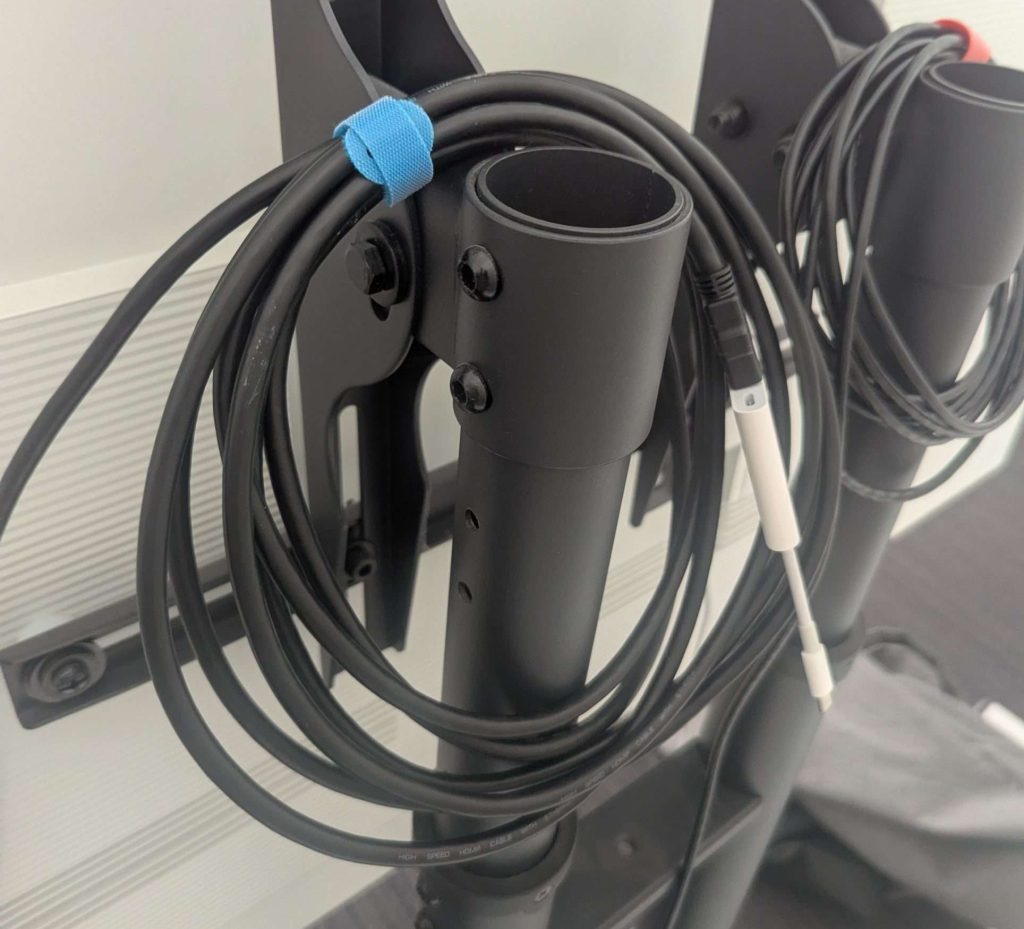
On the back of the screen is a HDMI cable with a blue cable tie. Unwrap it.
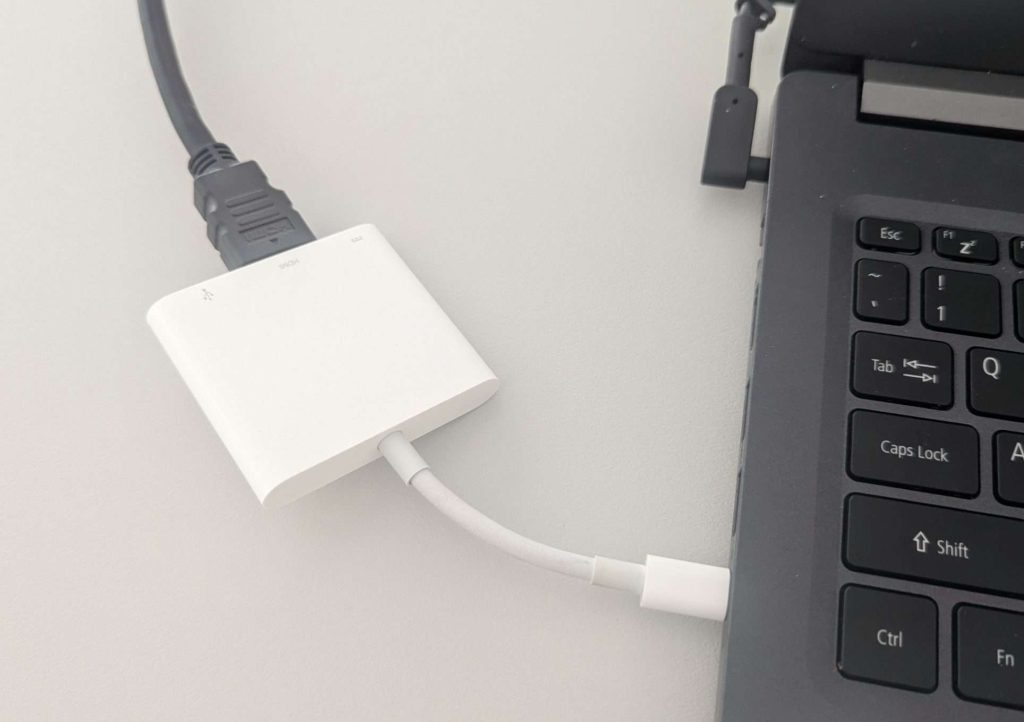
Connect it to laptop using the attached adapter.

If you don’t have a USB C port, unplug the cable and connect it directly to your laptop using a HDMI port. After the meeting, reconnect the adapter to the cable when packing up.
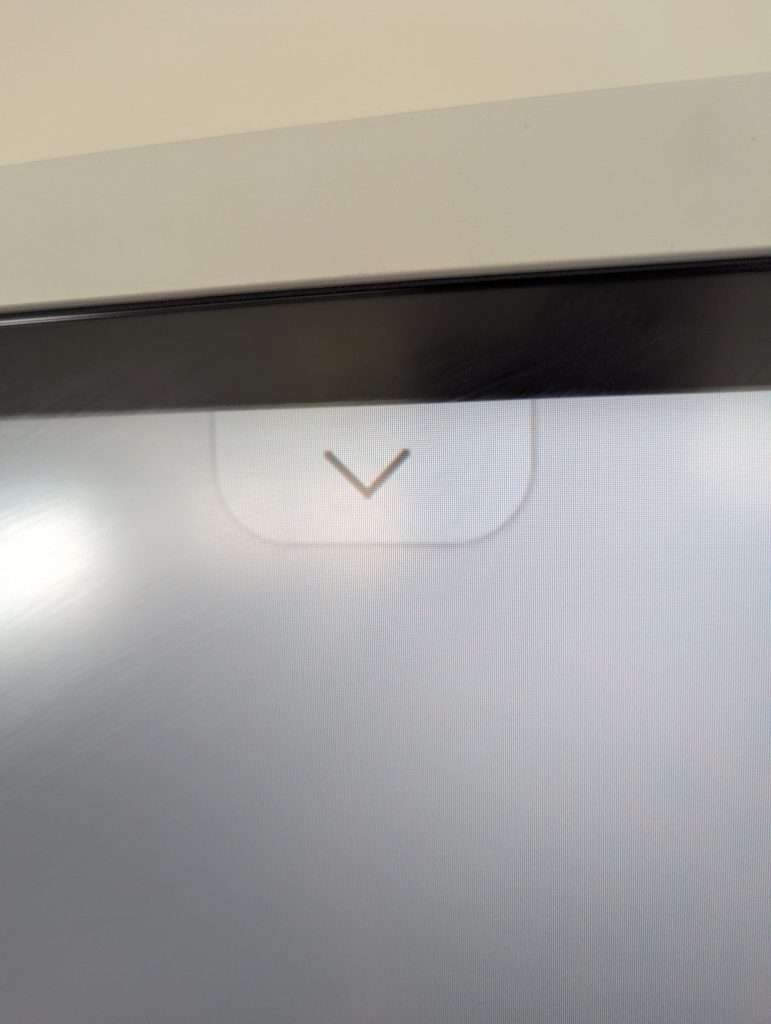
The screen should beep and automatically change the input and connect. If it doesn’t, follow this guide.