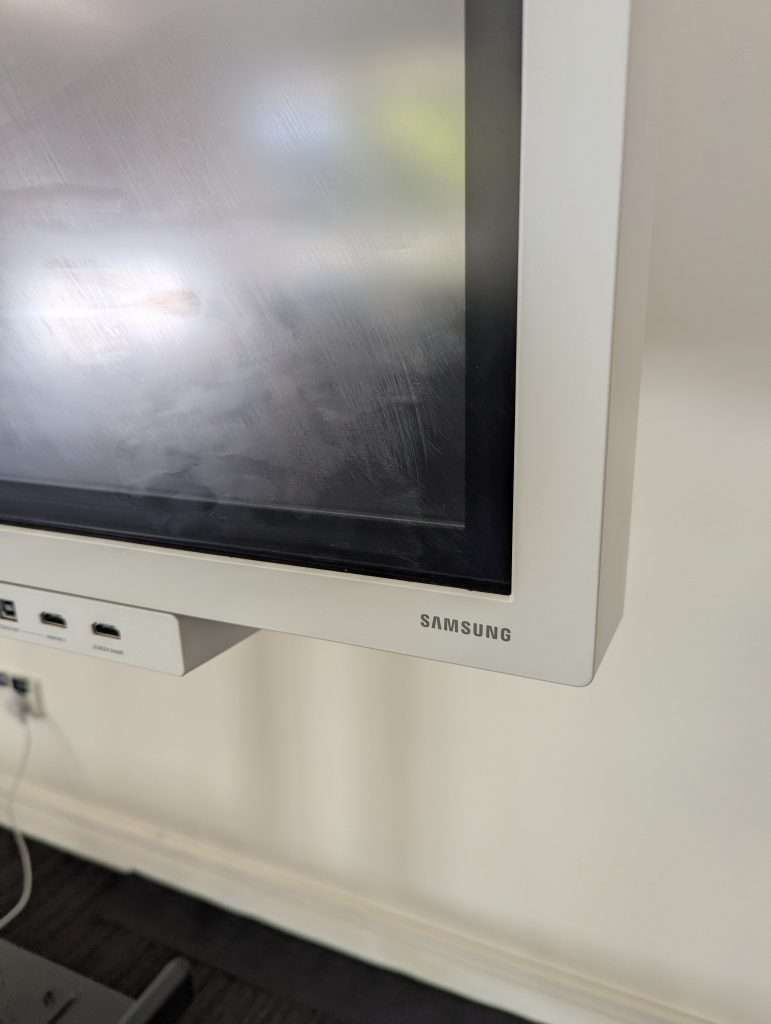
The power button is located beneath the right-hand side of the screen.
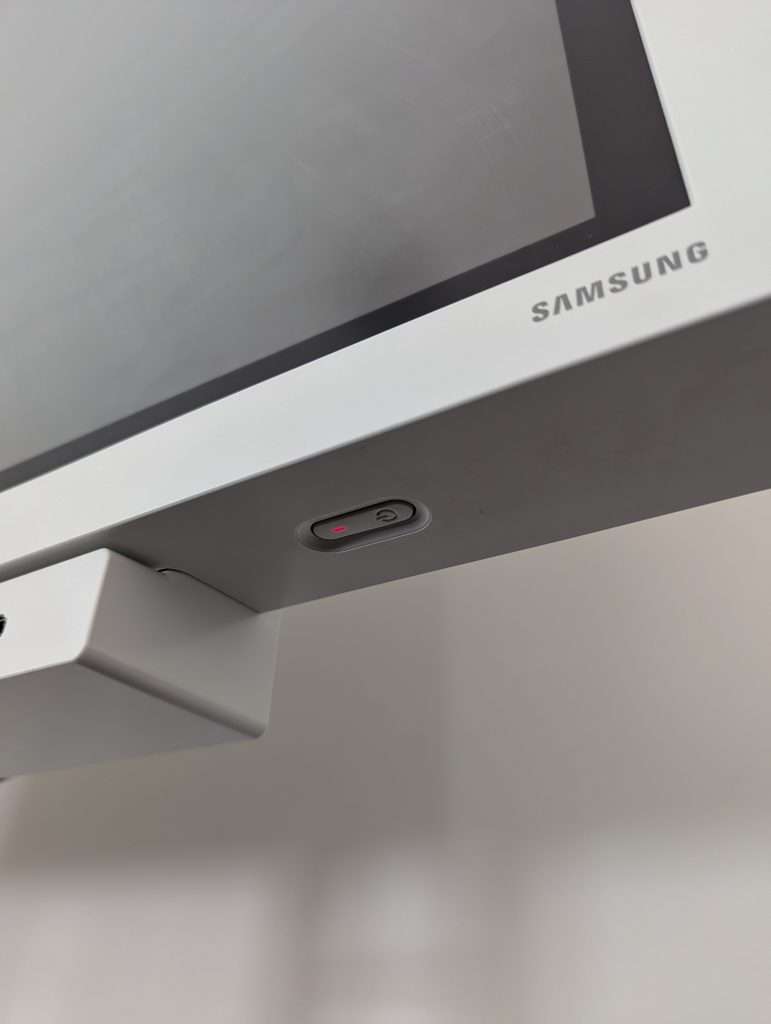
Press and hold the button for a few seconds. You will hear a beep and the screen will turn on.
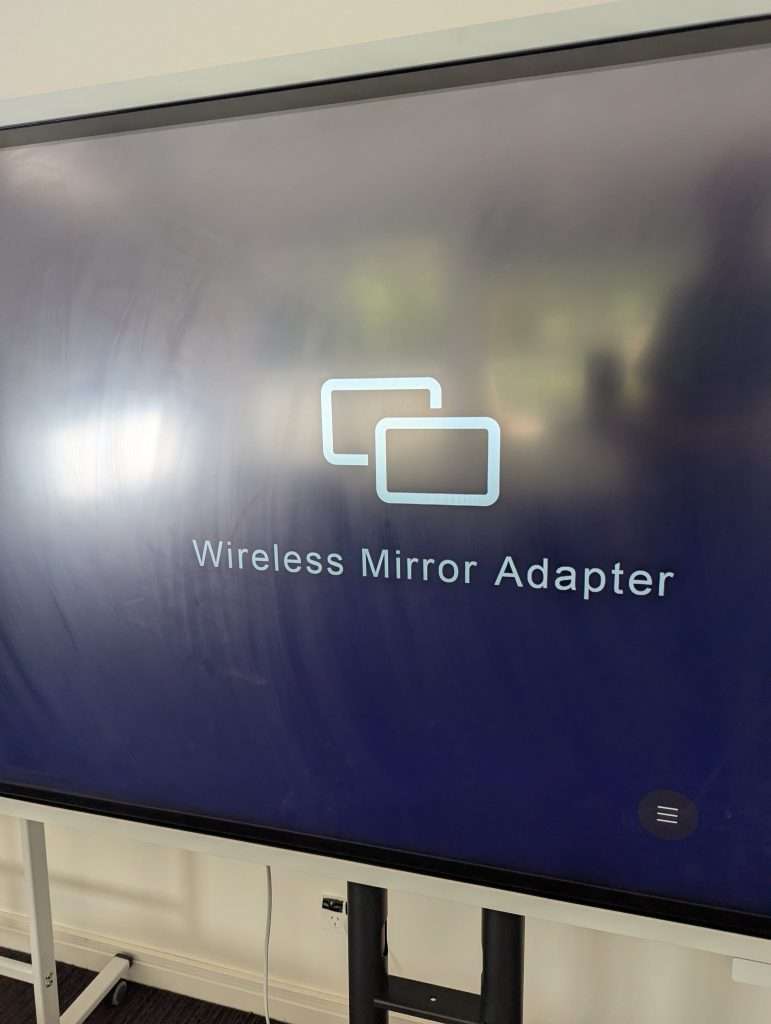
The screen should adjust depending if you are connecting wirelessly or with the cable. If it doesn’t go here to change the input.