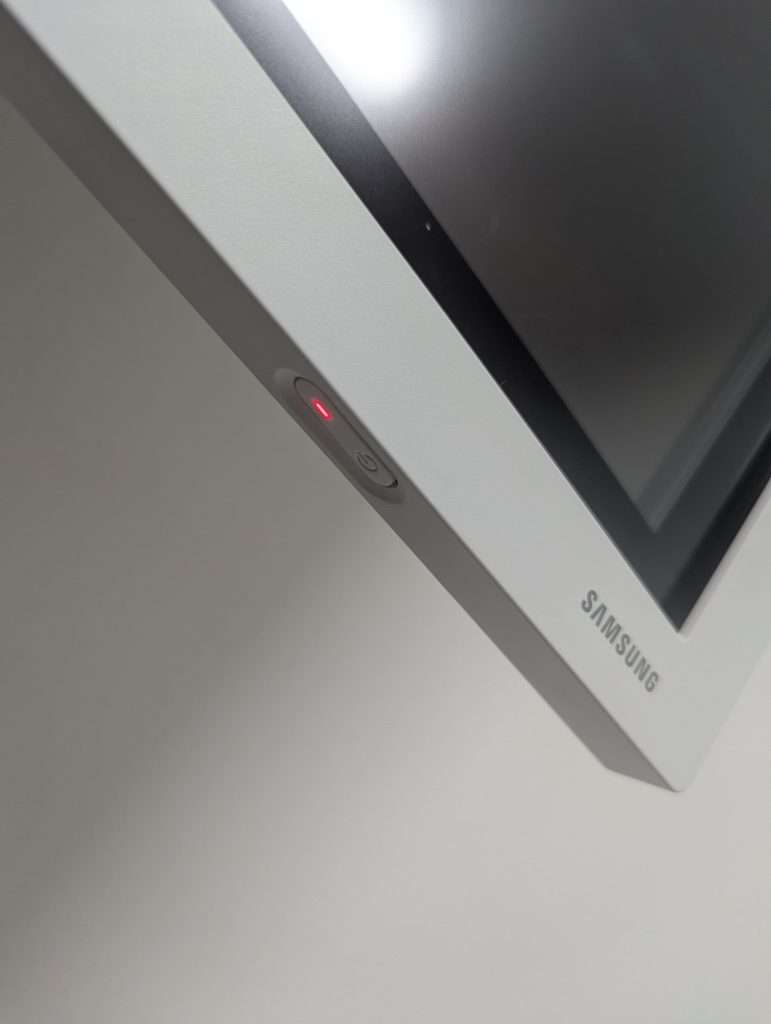
Turn on the screen. Press and hold the button for a few seconds till it turns on.
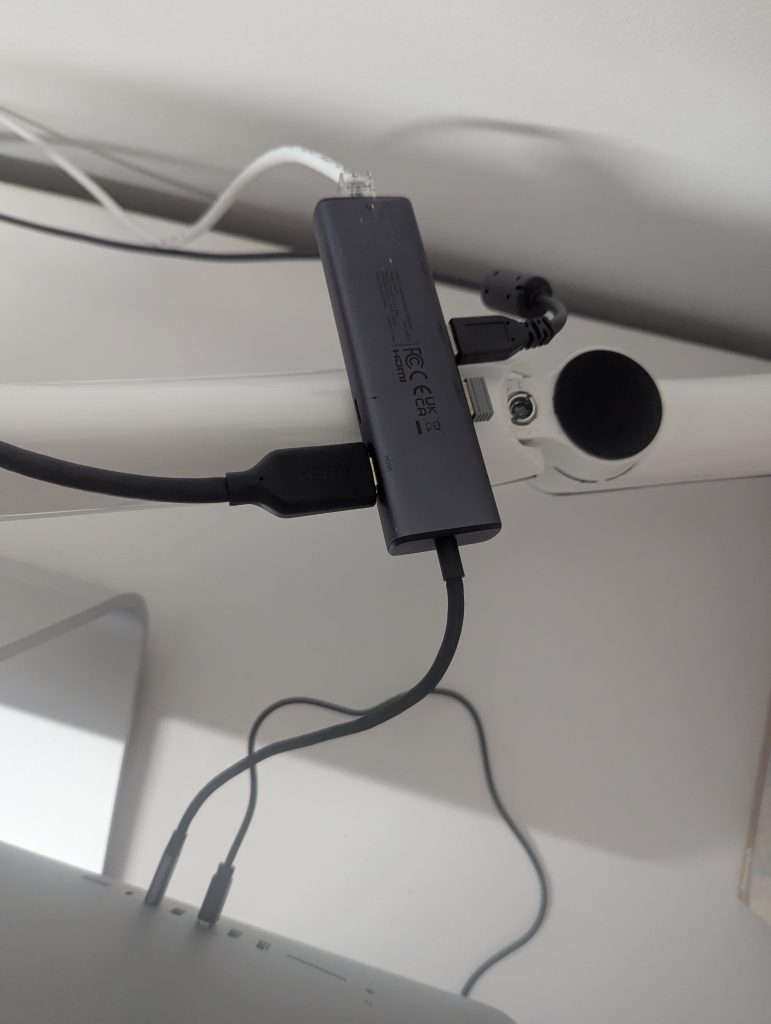
Connect the adapter on desk to the back of the mac.
Turn the mac on and login with either your own login or the generic meetings login.
The screen should connect automatically. If it doesn’t you need to change the input. Instructions can be found here
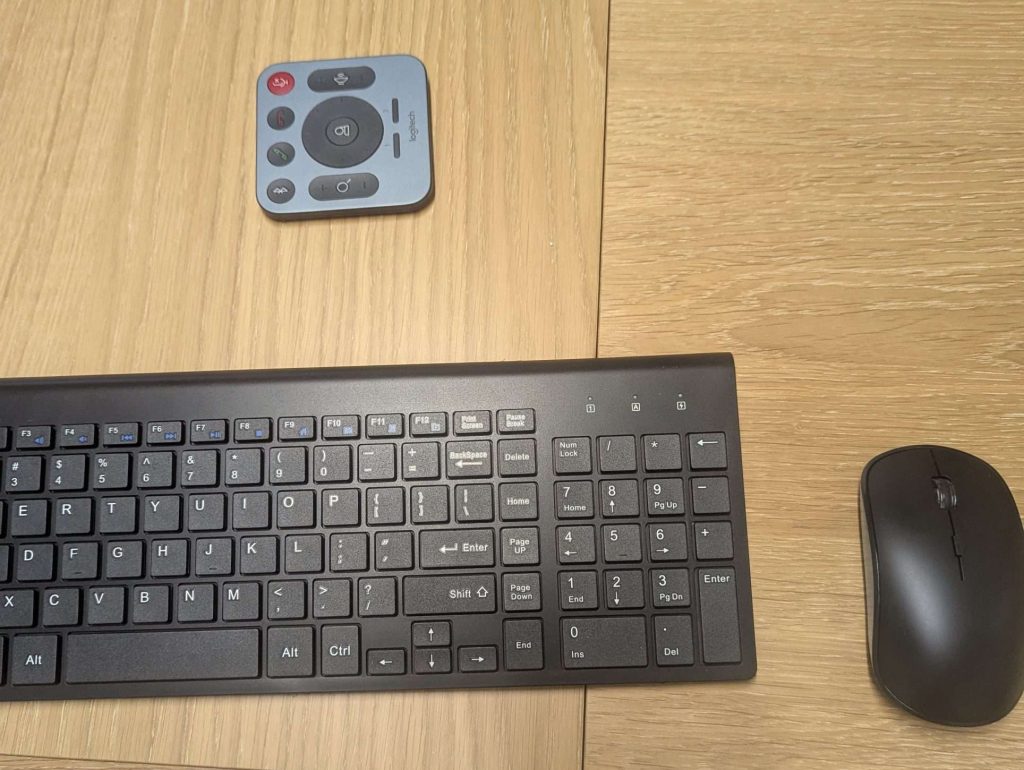
Use the wireless keyboard and mouse at the desk.
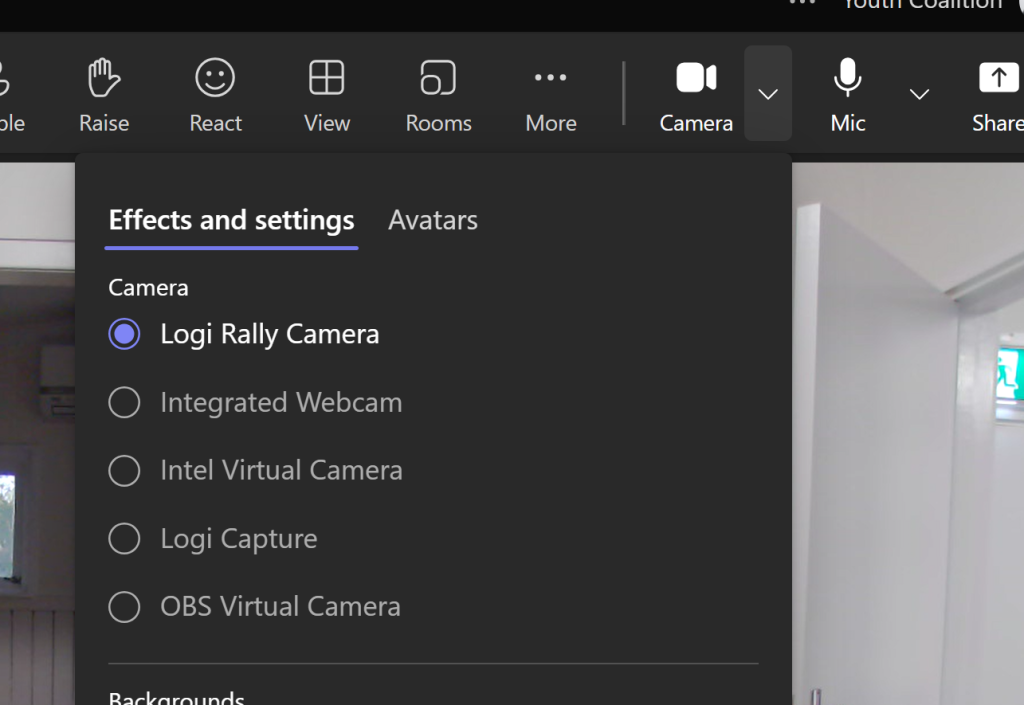
If the camera isn’t working, you may need to select it.
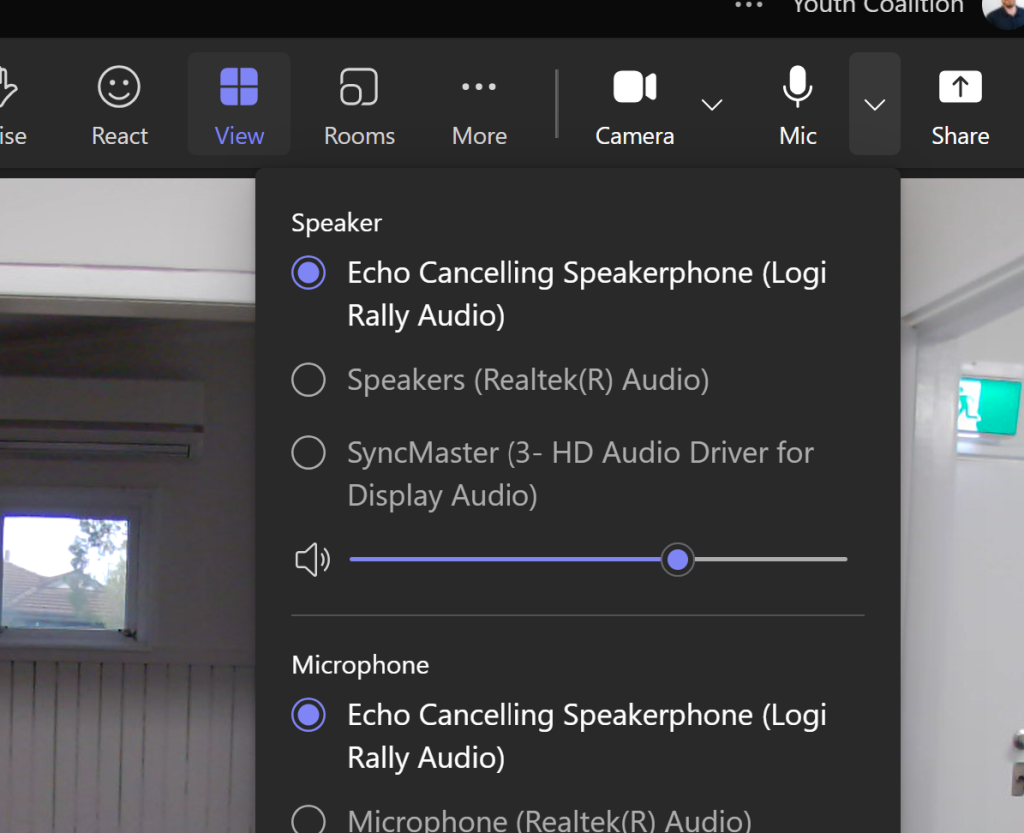
You might also need to do the same for the audio.
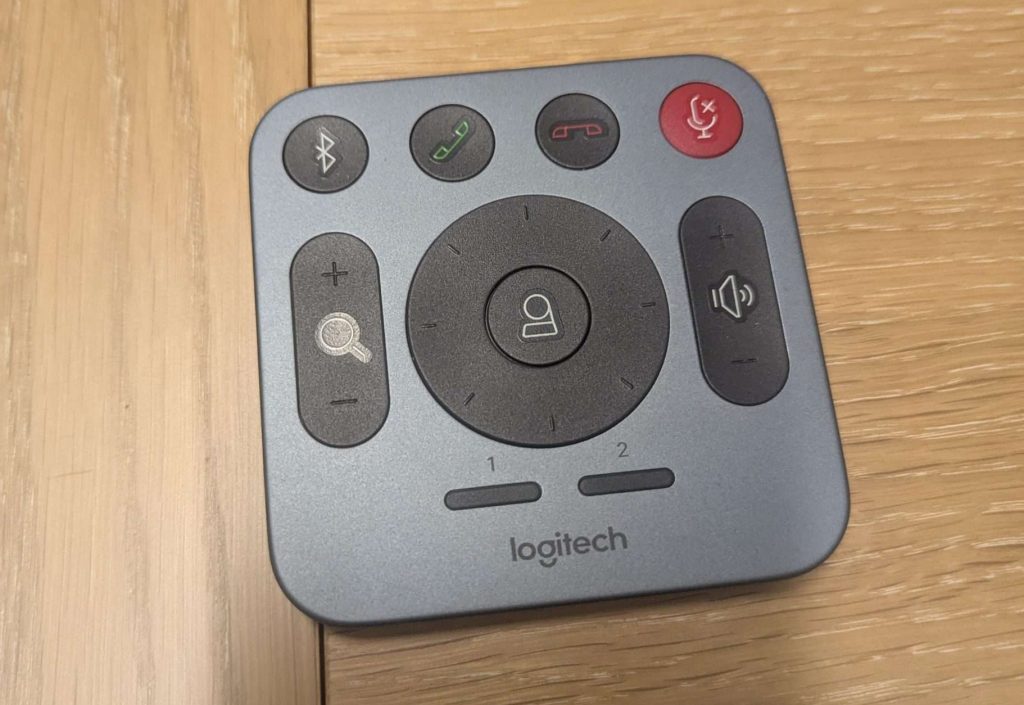
Use the remote to adjust the camera and volume.